
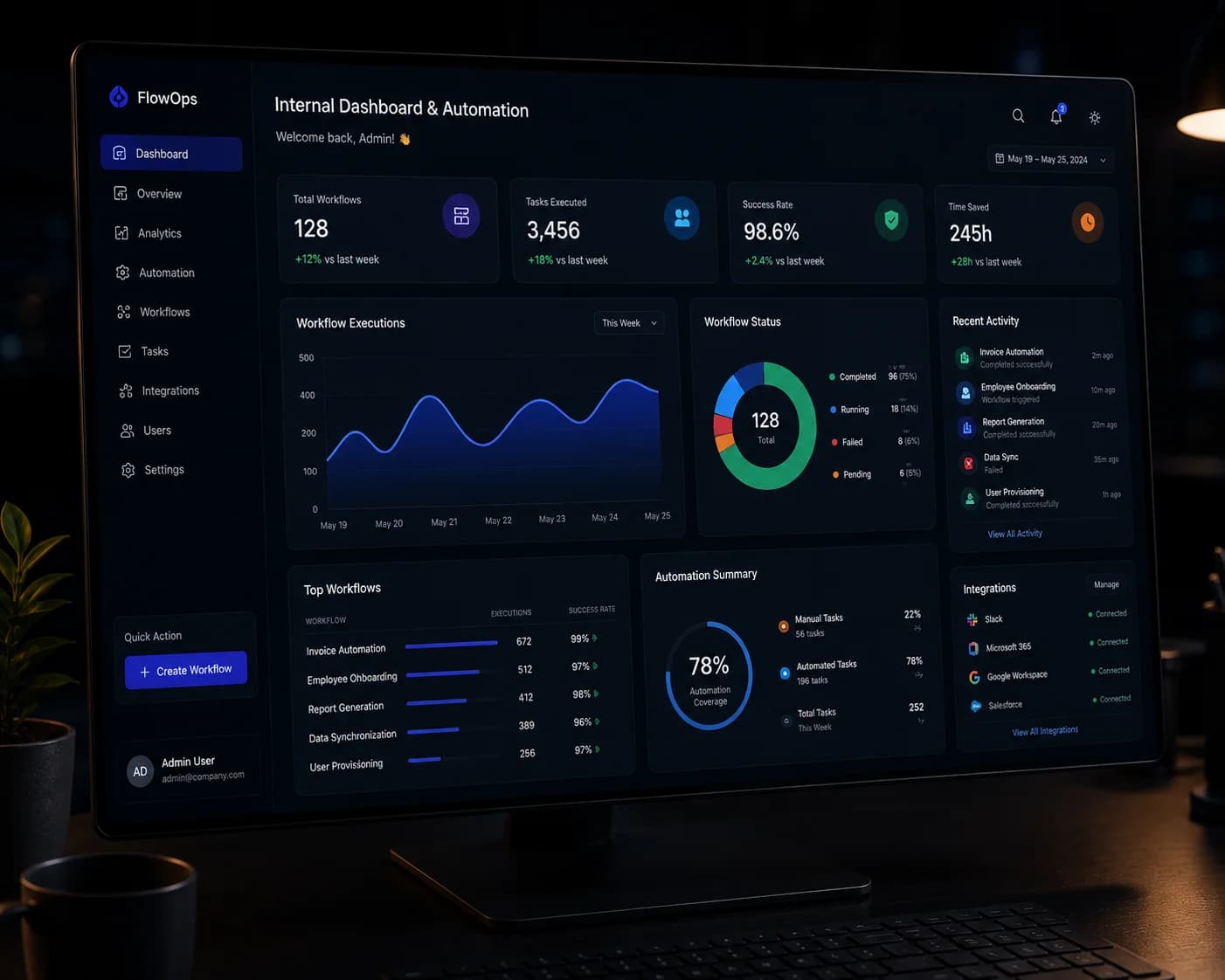
Internal Dashboard Automation: What to Build First
An internal dashboard creates value when it reduces repeated data collection, clarifies ownership, and helps a team take action. A screen full of charts is not useful if the underlying records remain unreliable.
What is the recommended approach?
Start with one recurring operational decision that currently requires people to gather, clean, or reconcile information manually. Connect the smallest set of trusted data sources, give each role an action-focused view, and automate alerts or updates only after the data is dependable.
When should a company build an internal dashboard?
Build one when a repeated decision depends on fragmented data and the cost of manual coordination is meaningful.
Good candidates include order status, sales pipelines, service delivery, inventory, approvals, staffing, and financial operations. First confirm that a simpler report, process change, or existing-tool configuration cannot solve the problem adequately.
What should be automated first?
Automate stable, rule-based tasks that occur frequently and have a clear owner when an exception happens.
Start with data collection, status updates, scheduled reports, reminders, and routing. Avoid automating a broken or constantly changing process; standardise it first so the software does not reproduce confusion at higher speed.
- Repeated data transfer
- Time-based or status-based notifications
- Routine calculations and report preparation
How should an operational dashboard be designed?
Show each role the information and actions required for the next decision, with detail available on demand.
Use a clear hierarchy: urgent exceptions, current workload, performance context, then supporting detail. Define every metric, show when data was refreshed, and allow users to trace a number back to its underlying records.
How do you measure dashboard automation value?
Measure the operational change, not dashboard visits alone.
Useful measures include hours of manual preparation removed, fewer duplicate entries, faster approvals, reduced reporting errors, shorter response times, and increased completion of the target workflow. Establish a baseline before launch.
Questions teams ask before they begin
What is an internal operations dashboard?
It is a private web interface that combines trusted business data, role-specific views, and workflow actions so staff can monitor and manage operations from one place.
Can a dashboard replace spreadsheets?
It can replace spreadsheets used as shared operational systems when requirements, permissions, auditability, and integrations justify the change. Spreadsheets can still remain useful for flexible analysis and one-off modelling.
Which dashboard metrics should we include?
Include metrics tied to decisions, service levels, workload, exceptions, quality, and outcomes. Each metric should have a definition, source, refresh frequency, owner, and clear action when it changes.
What supports this guide
This guide presents Waka Consulting's approach to internal workflow design. Dashboard value and time savings must be measured in the organisation's real process rather than assumed from the interface alone.
Turn the guide into a practical project plan
Waka can help clarify the workflow, define the right first release, and create a delivery plan around your users, risks, and business goals.